2.8 Change a user's password
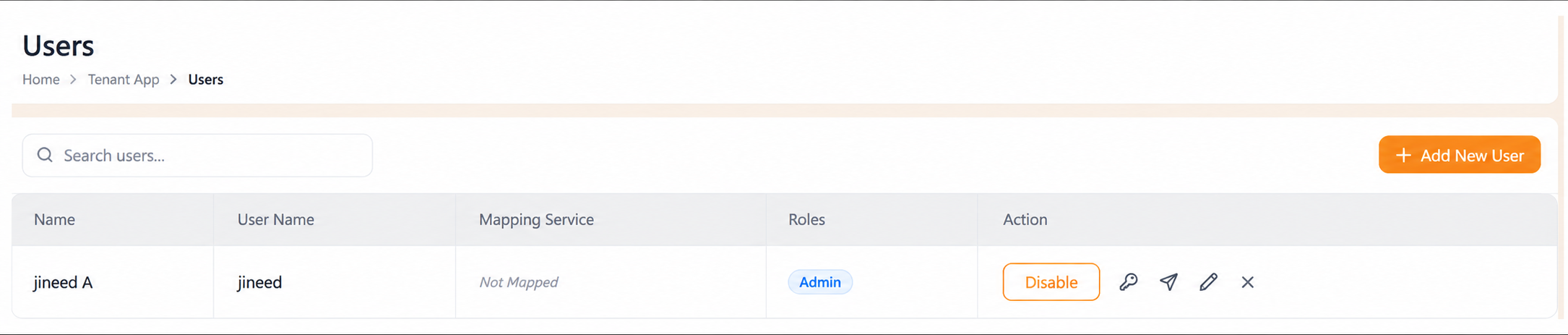
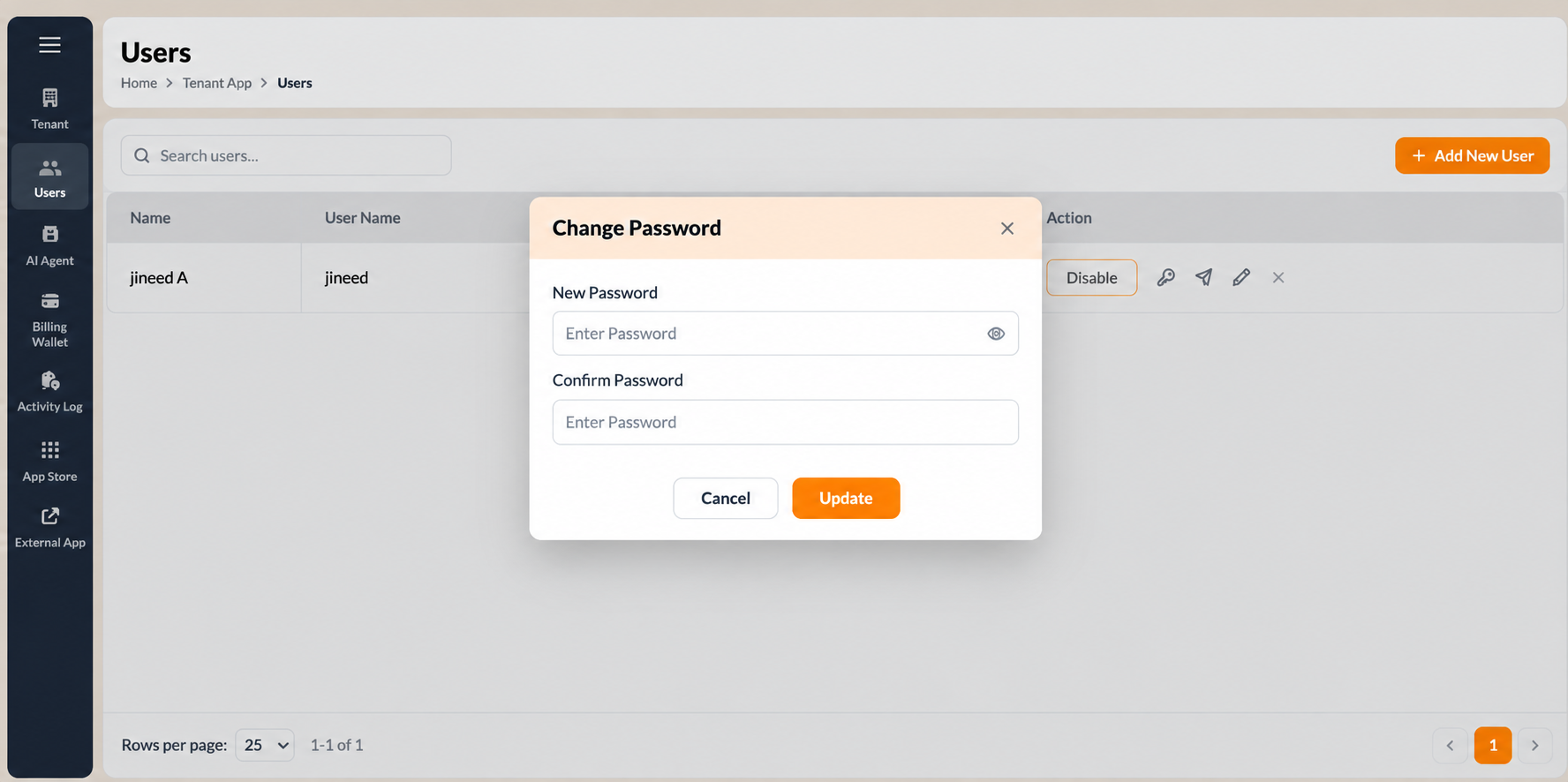
The row action is labelled Change كلمة المرور; the same action on the Edit المستخدم page is labelled Reset كلمة المرور. Both open the Change كلمة المرور modal.
- Open المستأجر > المستخدمون.
- حدد the key icon (Change كلمة المرور) on the user's row.
- In New كلمة المرور, enter the new password. حدد the eye icon to reveal the characters and confirm what you typed.
- In تأكيد كلمة المرور, enter the same password again.
- حدد Update to apply it.
To close the modal without changing the password, select إلغاء or the X at the top right of the modal.
Tell the user their new password through a channel other than the one you are administering, and have them change it at their next sign-in. Do not send passwords in the same email thread as a support request.
Figure key, Change كلمة المرور modal
- Modal title, Change كلمة المرور.
- X close control, top right of the modal.
- New كلمة المرور field, with the eye icon.
- تأكيد كلمة المرور field, with the eye icon.
- إلغاء button.
- Update button.