SUP 6.3 Use the live wallboard
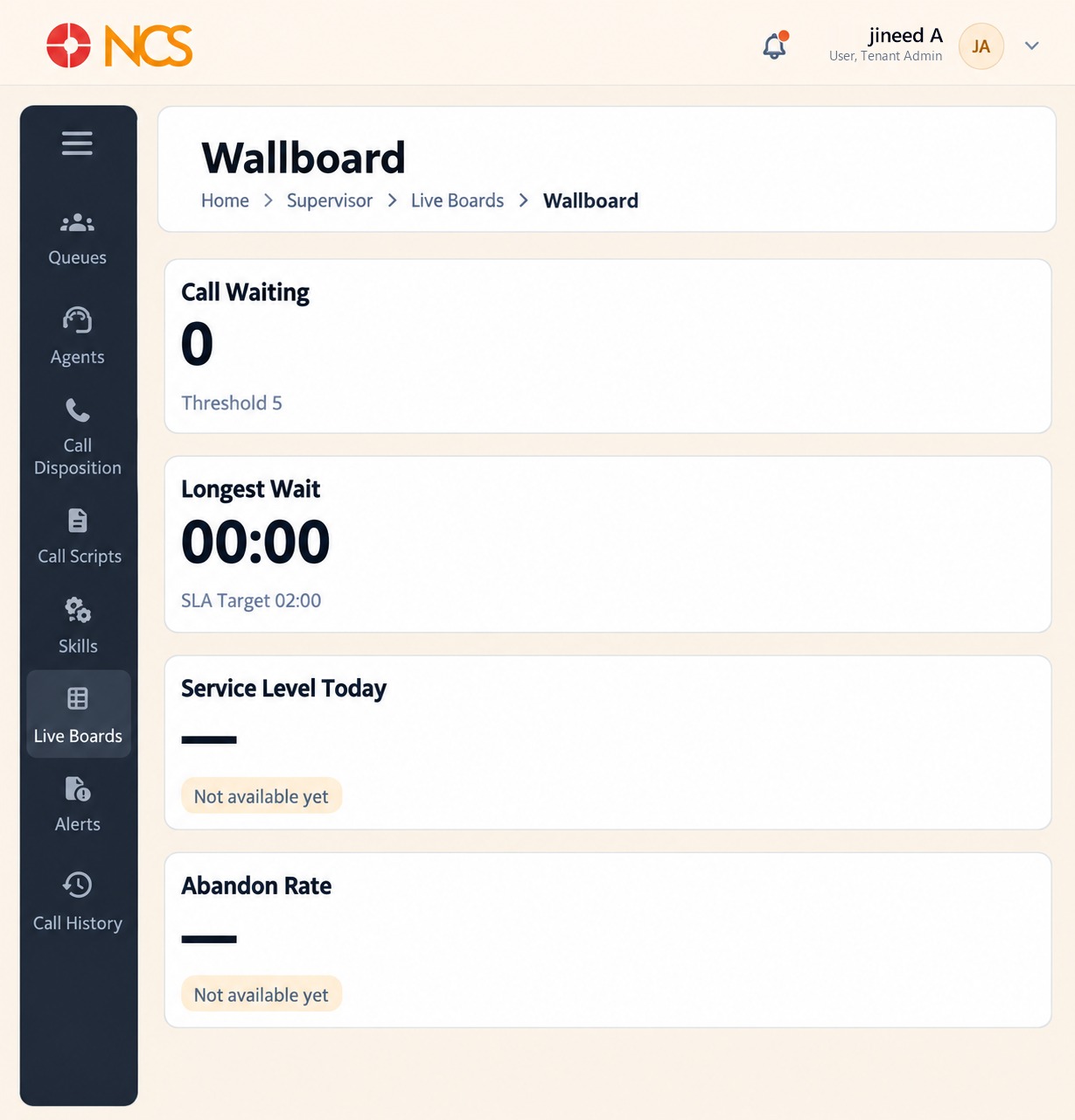
The Live Wallboard is the board to display on a screen the floor can see. The rail calls it Live Wallboard; the page itself is headed Wallboard.
- Open المشرف > اللوحات المباشرة > Live Wallboard.
- حدد Expand view to fill the screen, which is how this board is meant to be run.
- Read المكالمات Waiting, shown against its Threshold (for example Threshold 5), and Longest Wait, shown against its SLA Target (for example SLA Target 02:00).
- Read Service Level Today and Abandon Rate.
- Review طوابير الانتظار (Live), Roster Utilization, Top Performance (Today) and المكالمات Volume (last 24 hours).
Roster Utilization here splits on Available, Busy, Hold, Wrap-Up, Not Ready and Offline.
The thresholds are what make a wallboard work. A number on a wall is ignored; a number that turns colour when it crosses a threshold changes behaviour. Set the queue's SLA Time and Alarm Threshold (see SUP 1.6) to values your team can actually act on, then leave the board up.
Abandon Rate is the honest measure of a caller's experience. Service Level counts the calls you answered in time. Abandon Rate counts the people who gave up. Read them together.
Figure key, Live Wallboard
- Live Wallboard board, selected.
- المكالمات Waiting measure, with its threshold.
- Longest Wait measure, with its threshold.
- Service Level Today measure.
- Abandon Rate measure.
- طوابير الانتظار (Live) panel.
- Roster Utilization panel.
- Top Performance panel.
- المكالمات Volume panel.