PBX 5.1 Review office-hour strategies
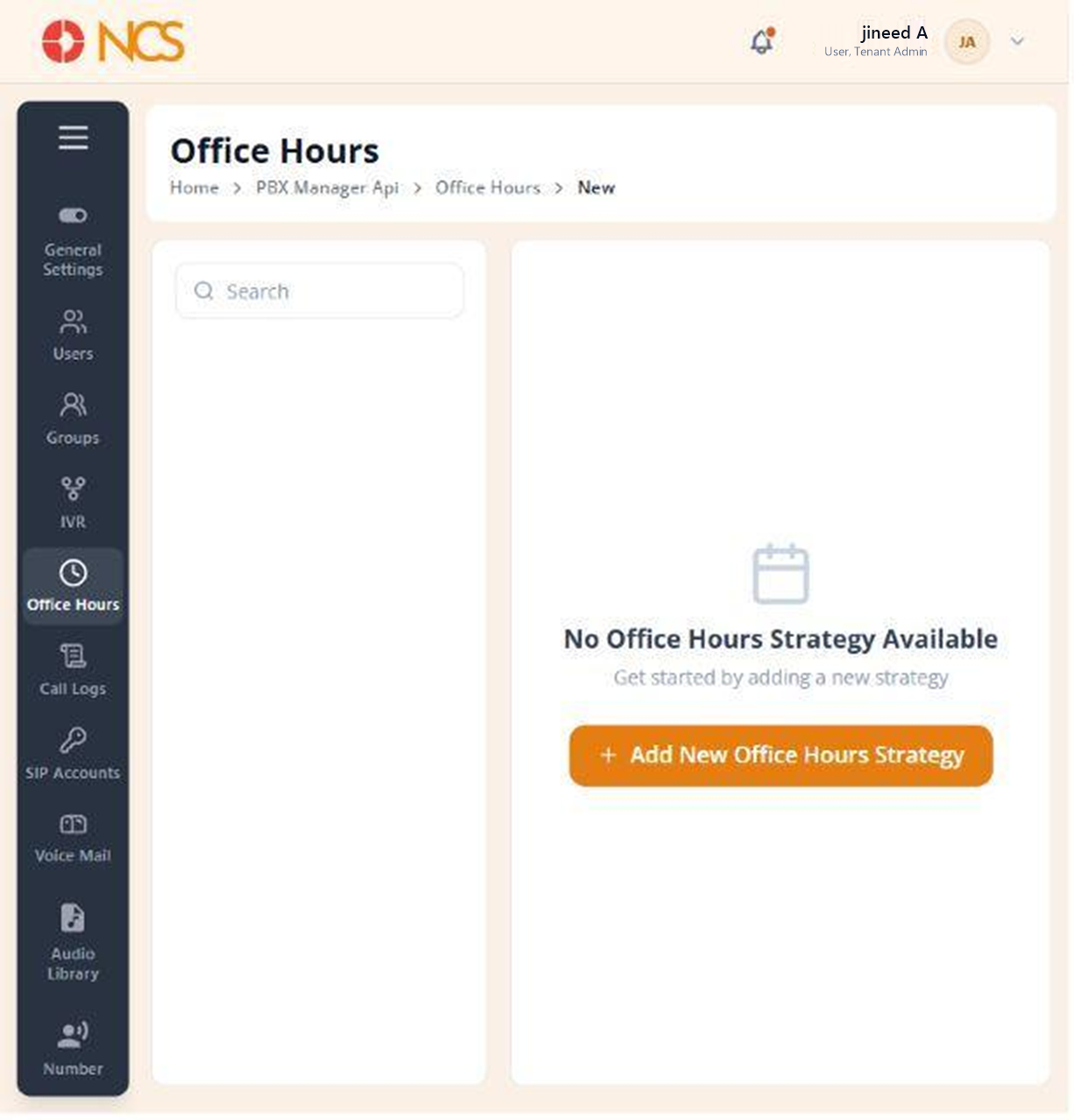
- Open PBX Manager > Office Hours.
- Use Search to locate an existing strategy.
- If no strategy exists, select Add New Office Hours Strategy. The empty state reads No Office Hours Strategy Available, "Get started by adding a new strategy".
A strategy is a named schedule. Create one per operating pattern, not one per team: several teams that keep the same hours can share a strategy.
Figure key, Office Hours list
- Breadcrumb.
- Left navigation, with Office Hours selected.
- Search field.
- Strategy list, or its empty state.
- Add New Office Hours Strategy button.