PBX 2.4 Review PBX user features
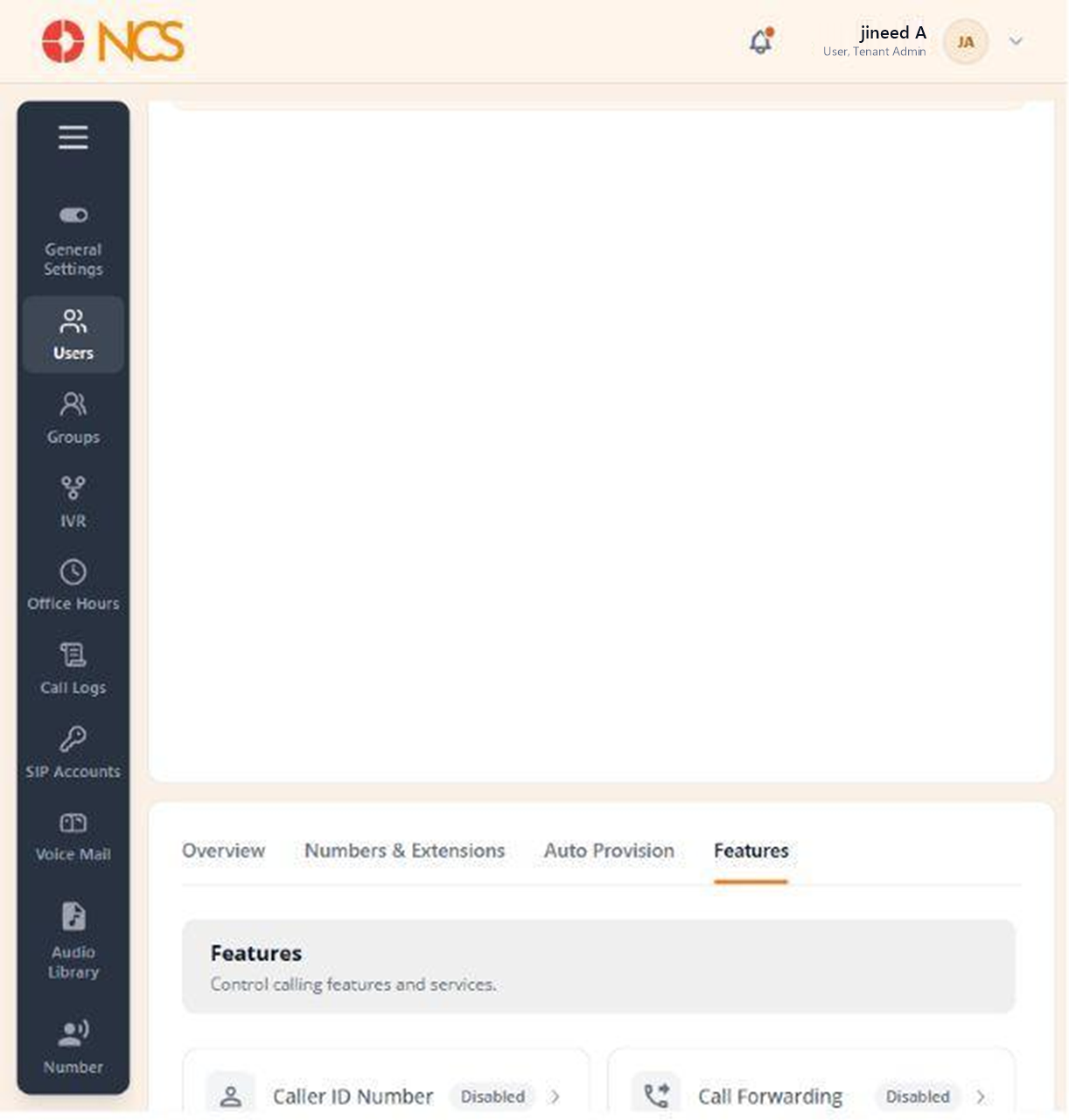
The Features tab, "Control calling features and services", reports the per-user telephony features.
- Open the user record and select Features.
- Read the state of each feature.
- Use the switches for Call Recording and Missed Call Alert as required.
Features listed on this tab, in order. On the reviewed user the first nine each displayed the state Disabled; Call Recording and Missed Call Alert displayed no state text and are the two set from this page.
| Feature | State on the reviewed user |
|---|---|
| Caller ID Number | Disabled |
| Call Forwarding | Disabled |
| Hot Desking | Disabled |
| Voicemails | Disabled |
| Find Me Follow Me | Disabled |
| Fax Box | Disabled |
| SMS | Disabled |
| Outgoing Call | Disabled |
| Local Dialling | Disabled |
| Call Recording | Set here |
| Missed Call Alert | Set here |
Figure key, PBX user Features
- Features tab, selected.
- Feature rows, each showing its name and state: Caller ID Number, Call Forwarding, Hot Desking, Voicemails, Find Me Follow Me, Fax Box, SMS, Outgoing Call, Local Dialling.
- Call Recording switch.
- Missed Call Alert switch.