PBX 9.3 Review voicemail audio
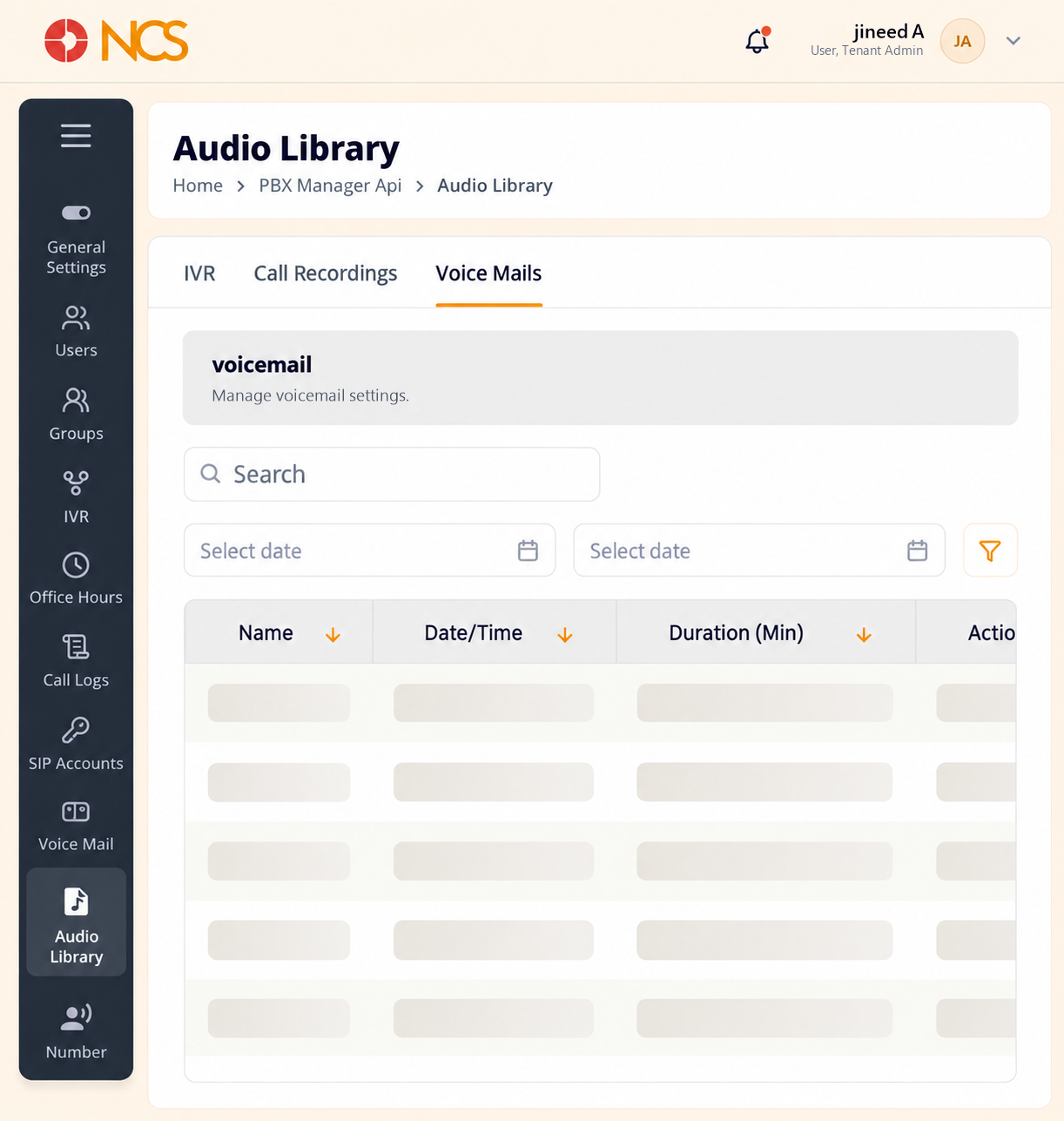
- Open Gestor PBX > Biblioteca de audio and select Voice Mails. The section is headed voicemail in lower case and described as "Manage voicemail settings."
- Use the two Seleccione date controls to define the period.
- Review Nombre, Date/Time, Duration (Min) and Acción. The empty state reads No Data Found.
Triage Recommendation. Duration (Min) is a useful triage column: a message of a second or two is usually a caller who hung up, not a message anyone needs to hear.
Figure key, Biblioteca de audio, Voice Mails
- Voice Mails tab, selected.
- Buscar field.
- Control de fecha de inicio.
- Control de fecha de fin.
- Nombre column.
- Date/Time column.
- Duration (Min) column.
- Acción column.