Panel de control
Upon successful login, you will be directed to the NCS One Panel de control. The dashboard provides access to various functionalities including Meeting, Chat, PBX, Teléfono, and more.

Navigation Bar Controls
In the Navigation bar:
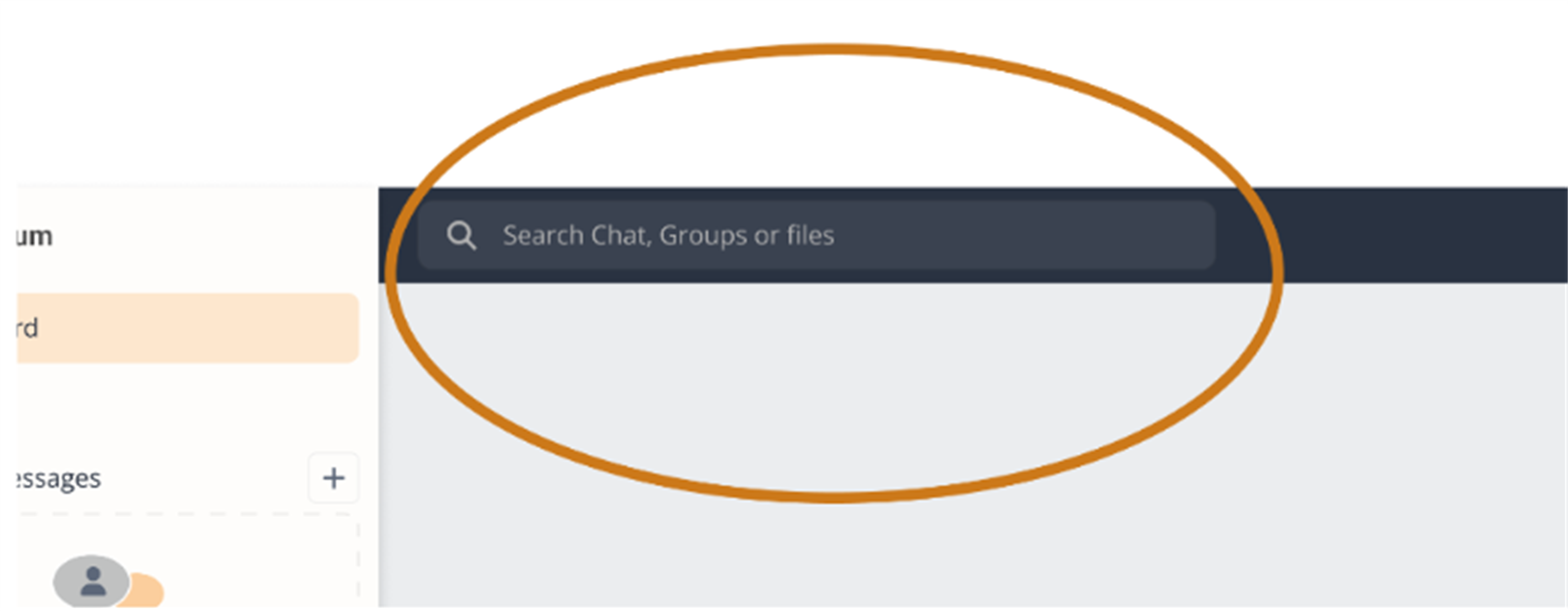
- Buscar Bar- At the left of the Top Bar is Global Buscar. Global Buscar facilitates searching across the application with multiple filters and quick searches.
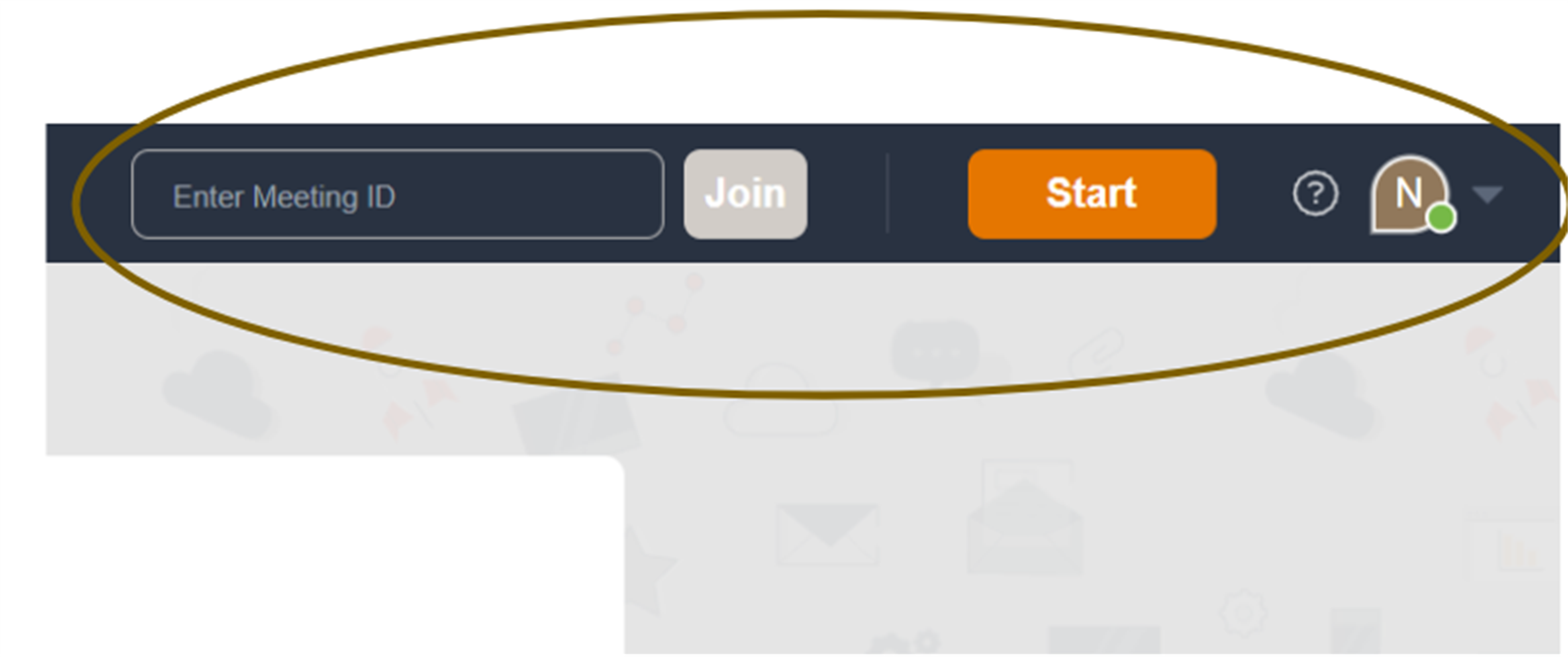
- Enter Meeting ID- Enter a meeting ID in the designated field at the top right to join an existing meeting instantly.
- Start meeting- By clicking the Start button , you can start an instant meeting.
- Profile Icon- Haga clic en on the profile icon on the top right to access your profile settings and logout options.