Open Meeting
The Open Meeting is a meeting type that has no expiry date and can be accessed at any time by participants. These meetings are created when a user schedules a meeting with the Recurring option set to "No Fixed Time". Open Meetings are particularly useful for ongoing sessions or permanent meeting rooms.
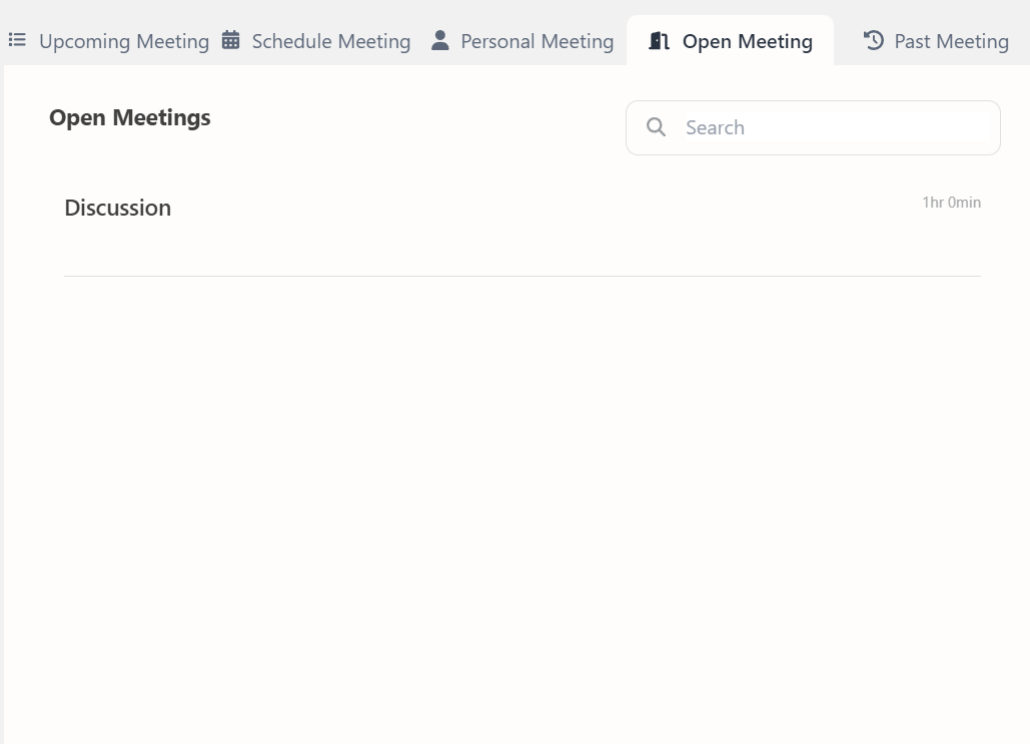
This section includes:
- Topic of the Meeting – The subject or title assigned to the open meeting.
- Copy link option – The meeting link can be copied using the copy icon.
- Edit and delete options – The edit the meeting, click on the edit icon. To delete the meeting, click on the delete icon.
- A button to start the meeting – An orange play button which can be clicked to start the meeting.
Users can access the Open Meeting tab from the Meeting menu in the side navigation bar. All meetings that are scheduled with no fixed time will be automatically listed here. These meetings are persistent and will remain available until deleted by the host.