About
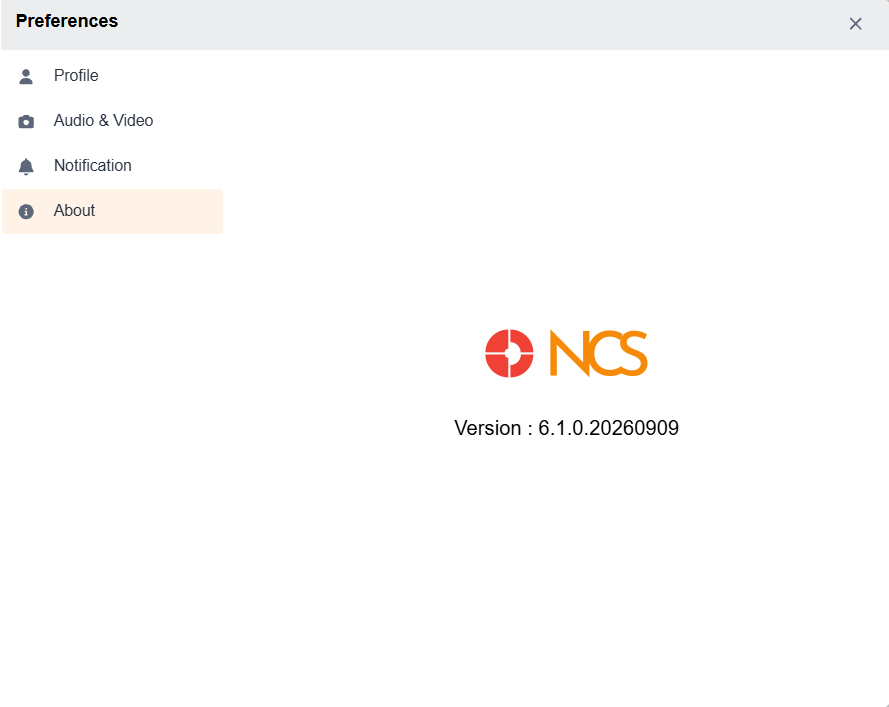
The About tab in the Settings provides general information and the latest updates in NCS. It displays the App Name, Version Number, Email Address, and Check Updates button
You will be notified in the About menu item in the Settings modal with an orange bubble, if there are any new updates. To view the latest updates, click the Check for Updates button. A popup box will appear with the version number and corresponding change logs. Click the Update button at the bottom left corner to update the app to the newest version.