PBX 4.1 Review SVI (IVR)s
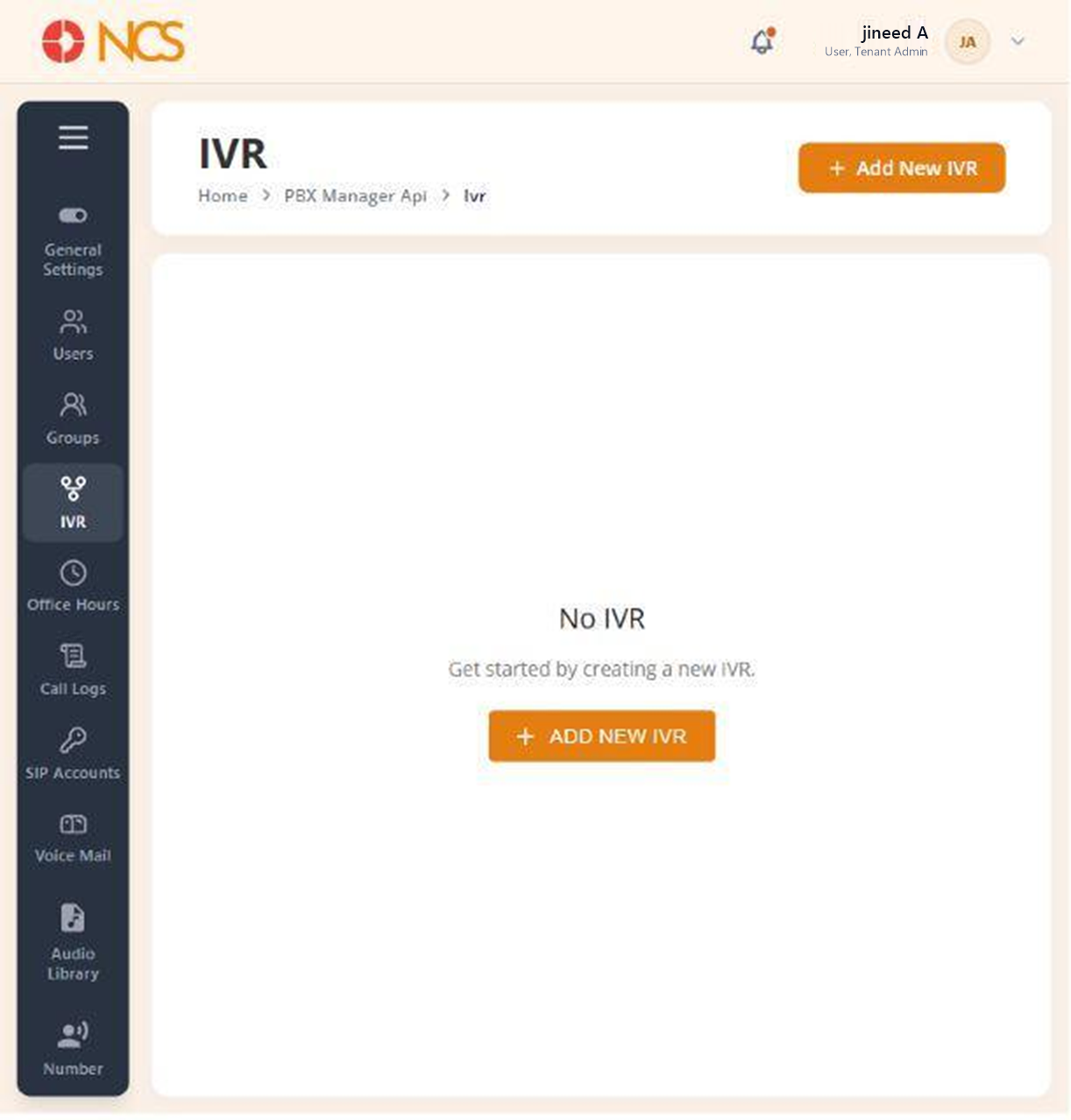
- Open Gestionnaire PBX > SVI (SVI (IVR)).
- Review the list of configured menus.
- Sélectionnez Add New SVI (SVI (IVR)) to create one.
Empty State. A tenant that has never been configured shows the empty state No SVI (SVI (IVR)), "Get started by creating a new SVI (SVI (IVR))." That is the expected starting state, not a fault.
Figure key, SVI (SVI (IVR)) list
- Fil d'Ariane.
- Left navigation, with SVI (SVI (IVR)) selected.
- SVI (SVI (IVR)) list, or its empty state.
- Add New SVI (SVI (IVR)) button.