SUP 5.1 Review skills
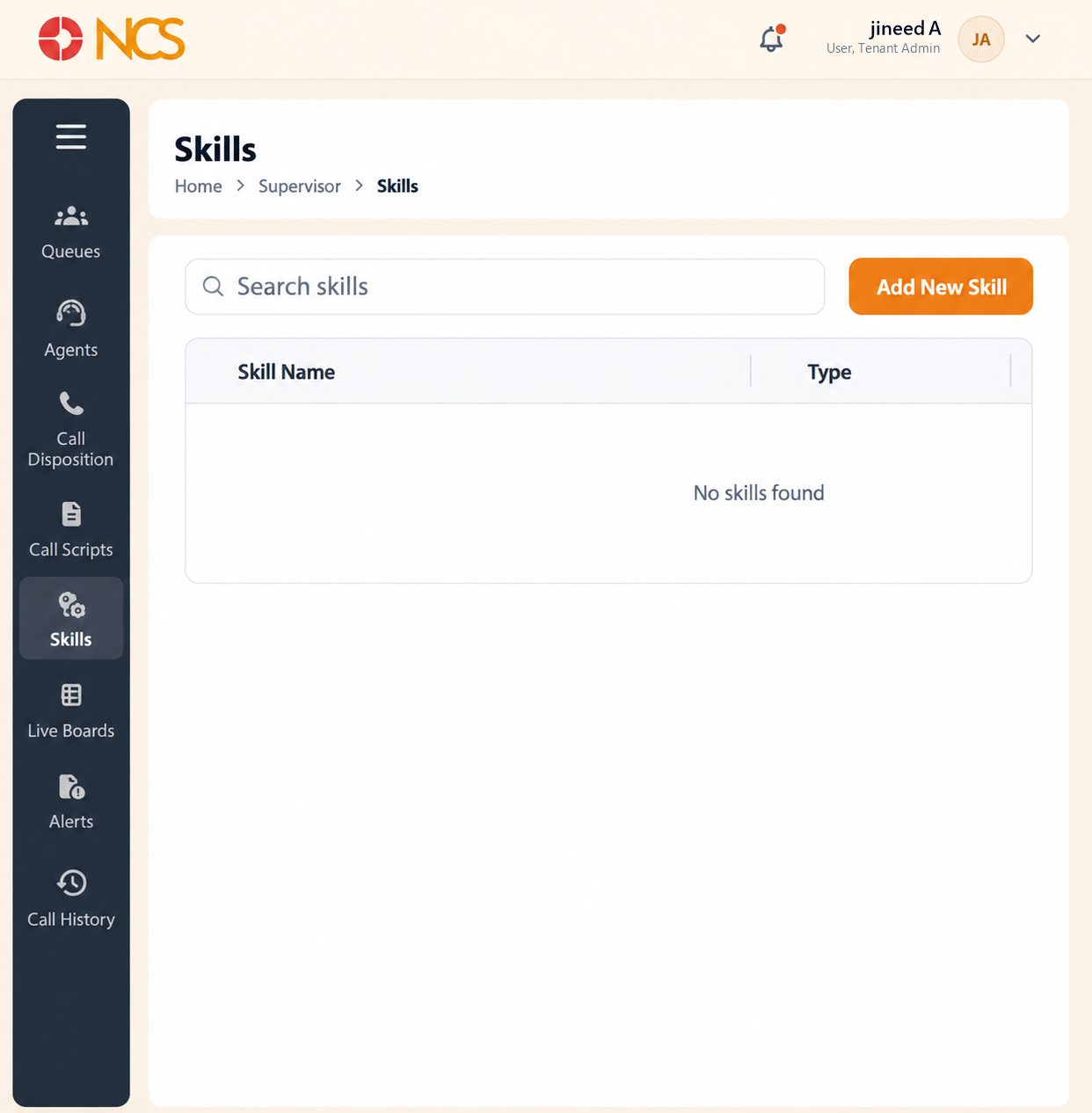
- Open Superviseur > Compétences.
- Use Rechercher skills to locate one.
- Review Skill Nom, Type and Action.
- Sélectionnez Add New Skill to create one.
On a tenant with no skills defined the list reads No skills found. That was the state of the reviewed tenant, which is also why the Compétences column on every queue agent row showed a dash (SUP 1.4).
Compétences are the piece most tenants skip, and then rebuild later. With none defined, every agent in a queue is interchangeable and the routing has nothing to work with. Define them before your agent population grows past the point where you can staff queues by hand.
Figure key, Compétences list
- Fil d'Ariane.
- Left navigation, with Compétences selected.
- Rechercher skills field.
- Add New Skill button.
- Skill Nom column.
- **Colonne Type.
- **Colonne Action.