PBX 6 Panggilan Logs
Pengurus PBX > Panggilan Logs is the telephony call record for the tenant. Use it to answer whether a call arrived, who took it, and when.
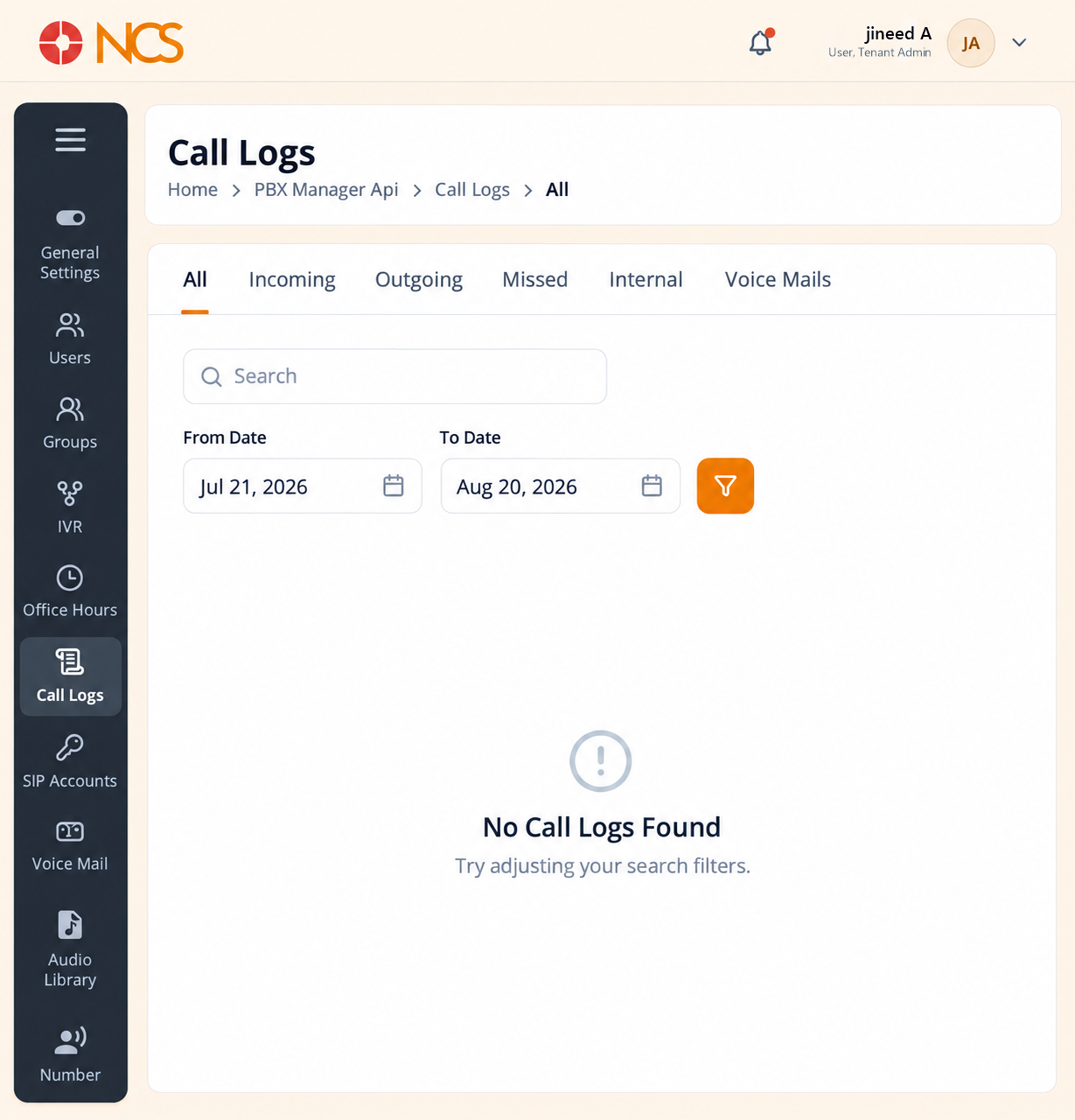
- Open Pengurus PBX > Panggilan Logs.
- Pilih the record type: All, Incoming, Outgoing, Missed, Internal or Voice Mails.
- Enter text in Cari.
- Set From Date and To Date.
- Use the clear control to reset the date filter.
- Review the returned records.
The date range defaults to the last 30 days. It opens with From Date 30 days back and To Date today. The empty state reads No Panggilan Logs Found, "Try adjusting your search filters".
An empty result is usually the filter, not the data. Widen the date range and clear the search text before you conclude that a call was never made. The date filter persists as you change record type, so a narrow range set on Missed carries over to All.
Panggilan Logs and Penyelia Panggilan History are different records. Panggilan Logs is every call on the PBX. Penyelia Panggilan History (SUP 8) is the contact-centre view, with queue, wait time and recording. Use Panggilan Logs for "did this call reach us", and Panggilan History for "how was this call handled".
Figure key, PBX Panggilan Logs
- Jejak Navigasi.
- Left navigation, with Panggilan Logs selected.
- Record type tabs: All, Incoming, Outgoing, Missed, Internal, Voice Mails.
- Cari field.
- From Date control.
- To Date control.
- Date filter clear control.
- Panggilan record table.