6.2 Review or uninstall an application
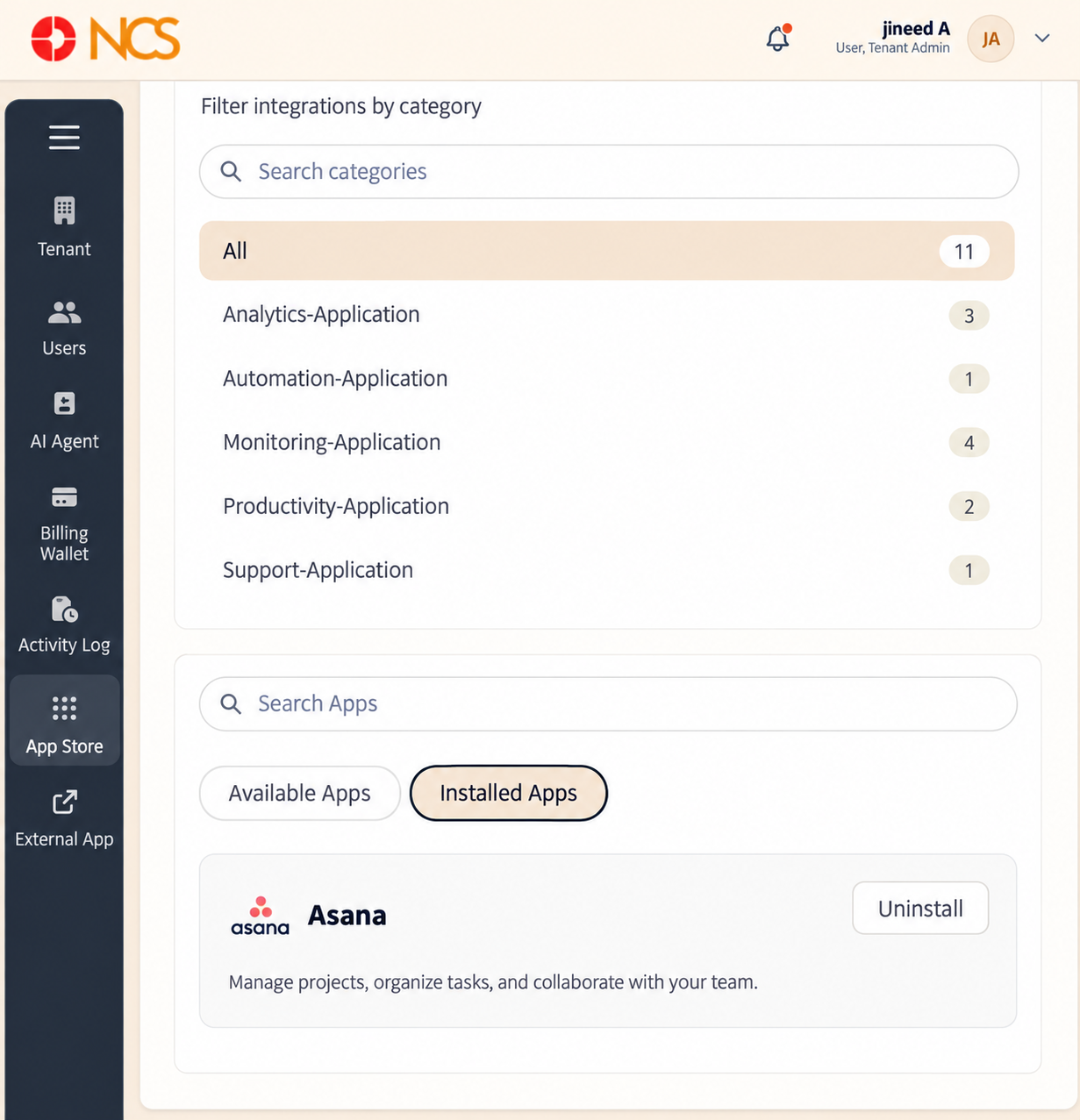
- Open Penyewa > Kedai Aplikasi.
- Pilih the Installed Apps tab.
- Review each installed application and its description.
- To remove one, select Uninstall on its entry.
Figure key, Installed Apps
- Available Apps tab.
- Installed Apps tab, selected.
- Installed application entry, showing the application name.
- Application description.
- Uninstall button.