1. Log masuk ke portal penyewa
Organisasi anda mempunyai alamat log masuk sendiri di platform NCS, berformat:
https://<your-subdomain>/bvoice
info
Wakil platform anda memberikan alamat ini apabila penyewa anda dicipta. Gunakan alamat khusus tersebut, bukan hos kongsi atau demonstrasi.
1.1 Sign in
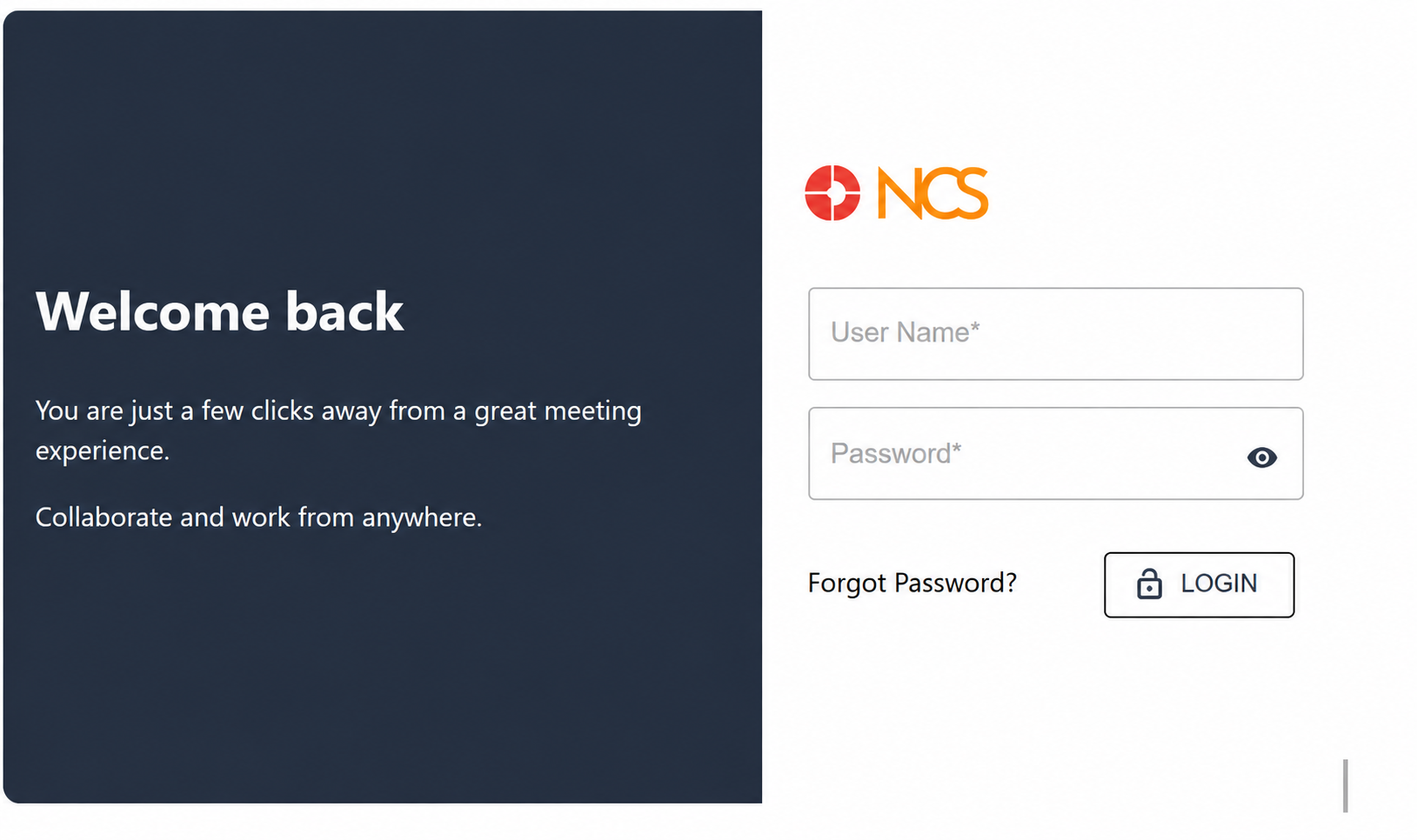
Ikuti langkah berikut untuk mengakses akaun anda:
- Buka halaman log masuk NCS organisasi anda dalam penyemak imbas web.
- Masukkan nama pengguna anda dalam medan Nama Pengguna. (Note: This is the login identifier issued to you, which may not be your email address.)
- Masukkan kata laluan anda dalam medan Kata Laluan.
- Optional: Pilih the eye icon at the right of the Kata Laluan field to reveal the characters and confirm what you typed.
- Pilih Log Masuk.
The page title is Sign In and the action button is labelled Login. Both refer to the same action.
Setelah berjaya log masuk, papan pemuka terbuka:
- The signed-in account's Nama and Peranan are displayed at the top right.
- The Portal Build Nombor is displayed on the dashboard.
tip
Always quote the Portal Build Nombor when raising a support request.
Kunci Rajah: Elemen Halaman Log Masuk
- Penyewa Logo & Product Nama
- Medan Nama Pengguna
- Medan Kata Laluan
- Ikon Mata (reveals/hides password characters)
- Forgot Kata Laluan? link
- Login button